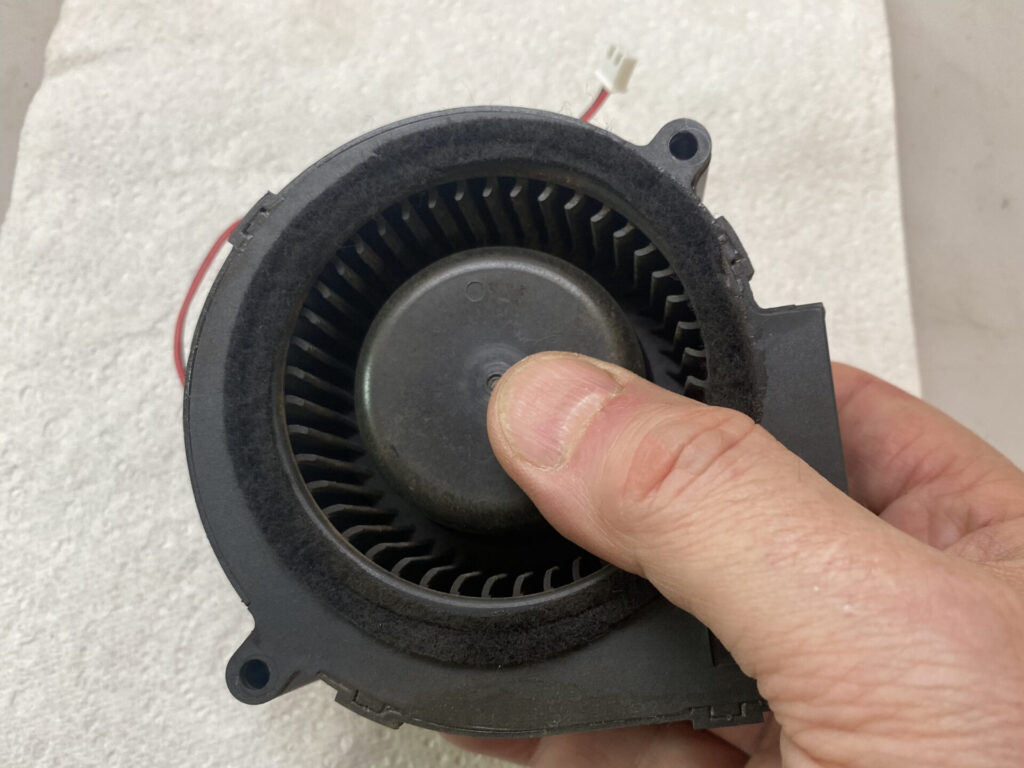
Over time your two exhaust fans will accumulate dust and debris. It’s important to keep them clean so they can allow your Emblaser Pro to operate correctly.
Dirty / Clogged fans may result in the following issues:
- Fumes not being cleared from the workspace or clearing very slowly.
- Laser overheating and pausing.
Options:
- The fans can be replaced (recommended). ORDER HERE
- The fans can be cleaned. (see below).
Step 1: (Cleaning the fans)
Follow the steps in ‘Replacing the Fans’ article to remove the fans from your machine: REPLACING THE FANS ARTICLE
Step 2:
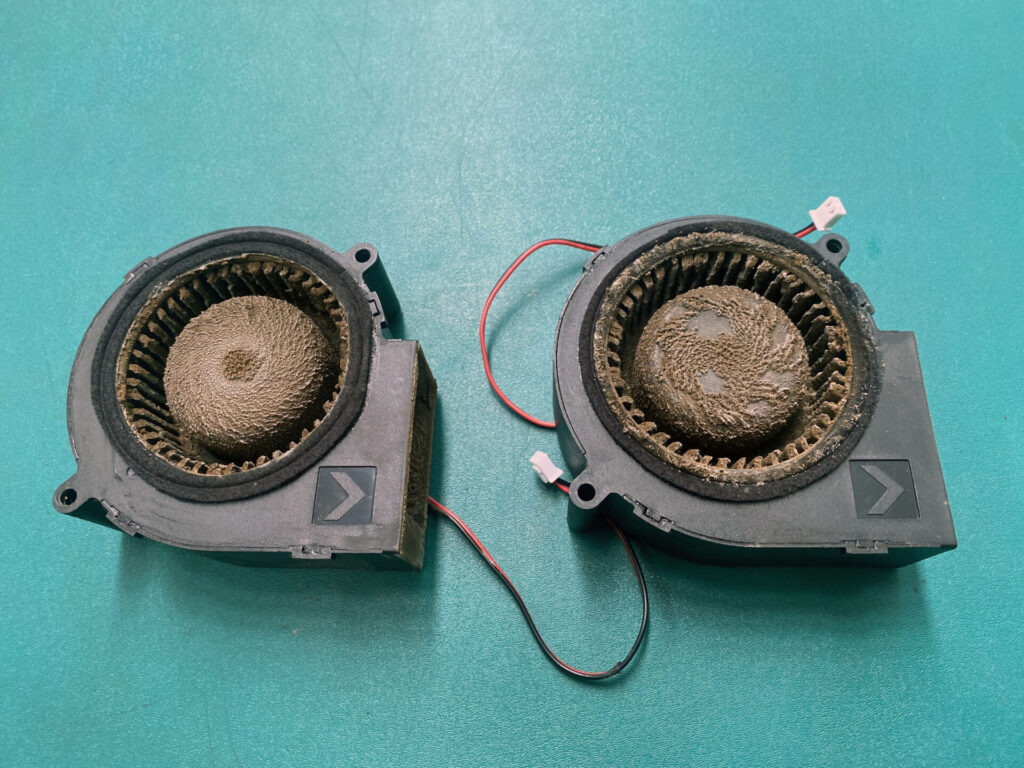
With the fans removed you will be able to judge the amount of debris and buildup.
Please note that it may not be possible to remove all the debris by cleaning and care myst be taken not to camage the fan blades, housing or motor.
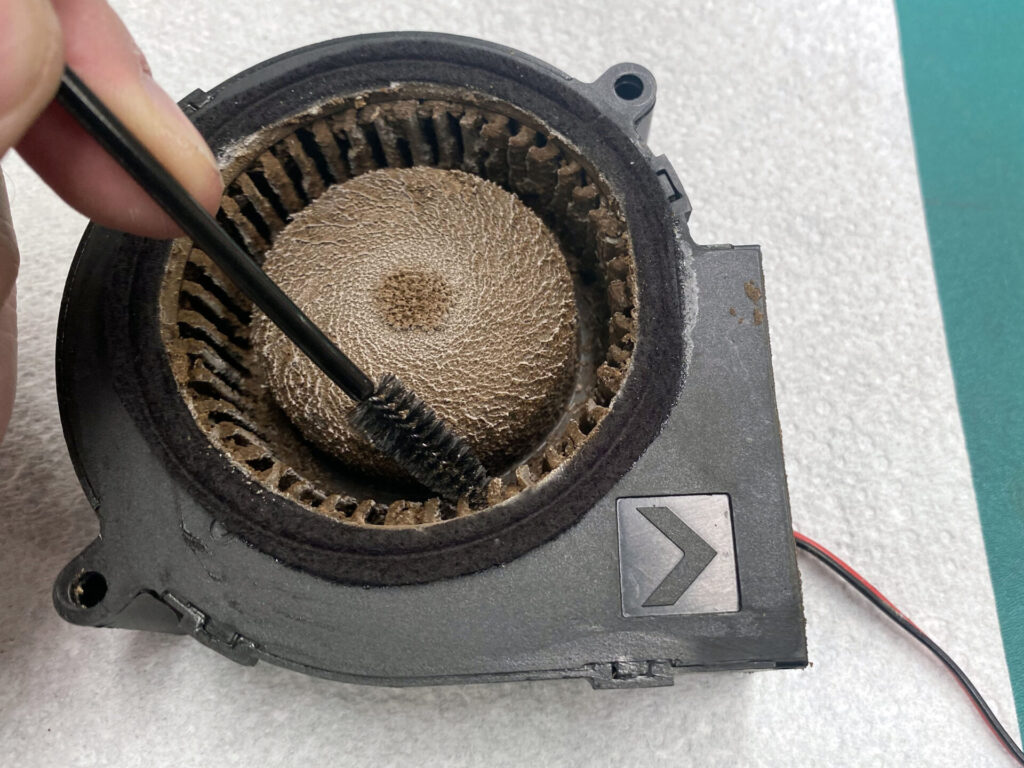
Step 3: Brush Cleaning
A small brush can be used to gently remove the debris from the fan.
Be careful to not damage the fan blades or the rotor.
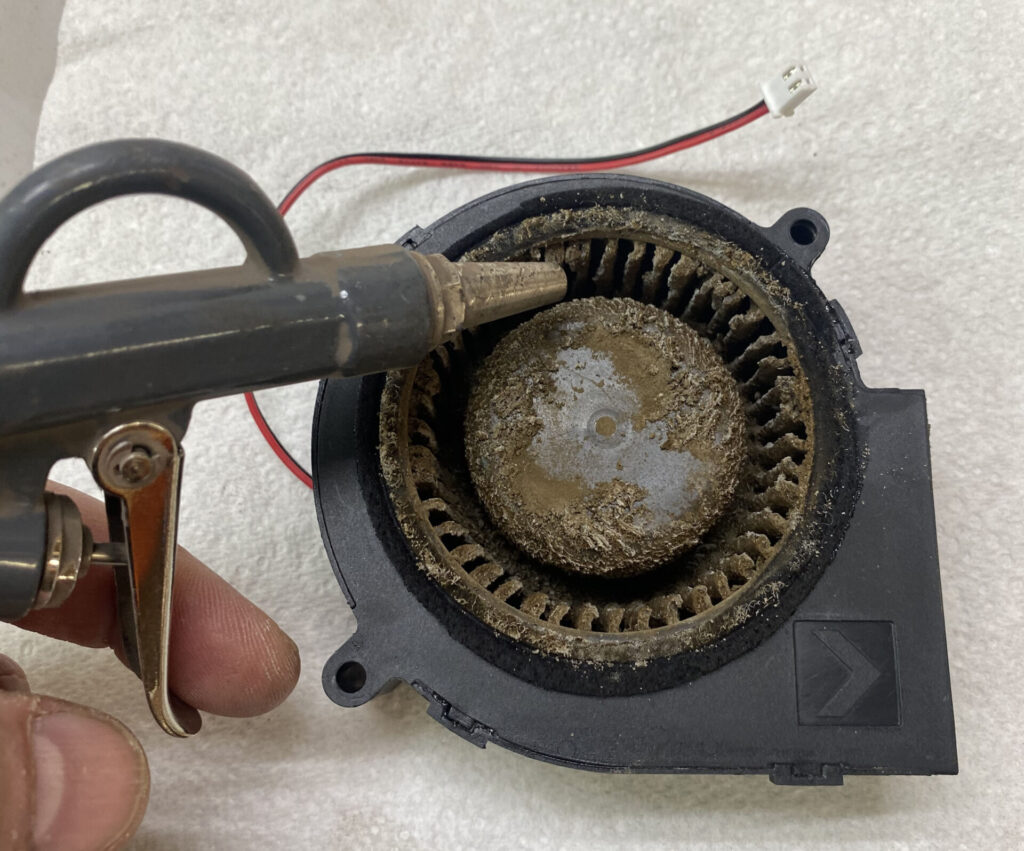
Step 3: Air Cleaning
An air-compressor can be used to clean the fans.
Ensure you are wearing protective eyewear and a a face mask when cleaning with an air-compressor.
Important: Always keep hold of the fan rotor to prevent it from spinning freely. Spinning at high speeds may cause damage to the fan.
Step 4
With the fans cleaned, reinstall them into your machine.
You can use this article for help: REPLACING THE FANS ARTICLE